SQL Server
The SQL Server resource gives applications a stable database-service dependency while CloudShell manages the local runtime, TDS endpoint, storage relationship, declared databases, and access intent.
Note
SQL Server support is in preview and currently targets local, container-backed development. CloudShell provides an integrated resource view; use normal SQL administration tools for the complete SQL Server management surface.
What you get
- Service lifecycle and state. Start, stop, restart, and diagnose the local SQL Server resource.
- A named TDS endpoint. Let applications reference the SQL resource instead of embedding a host port.
- Durable storage intent. Attach a CloudShell volume at the SQL Server data boundary.
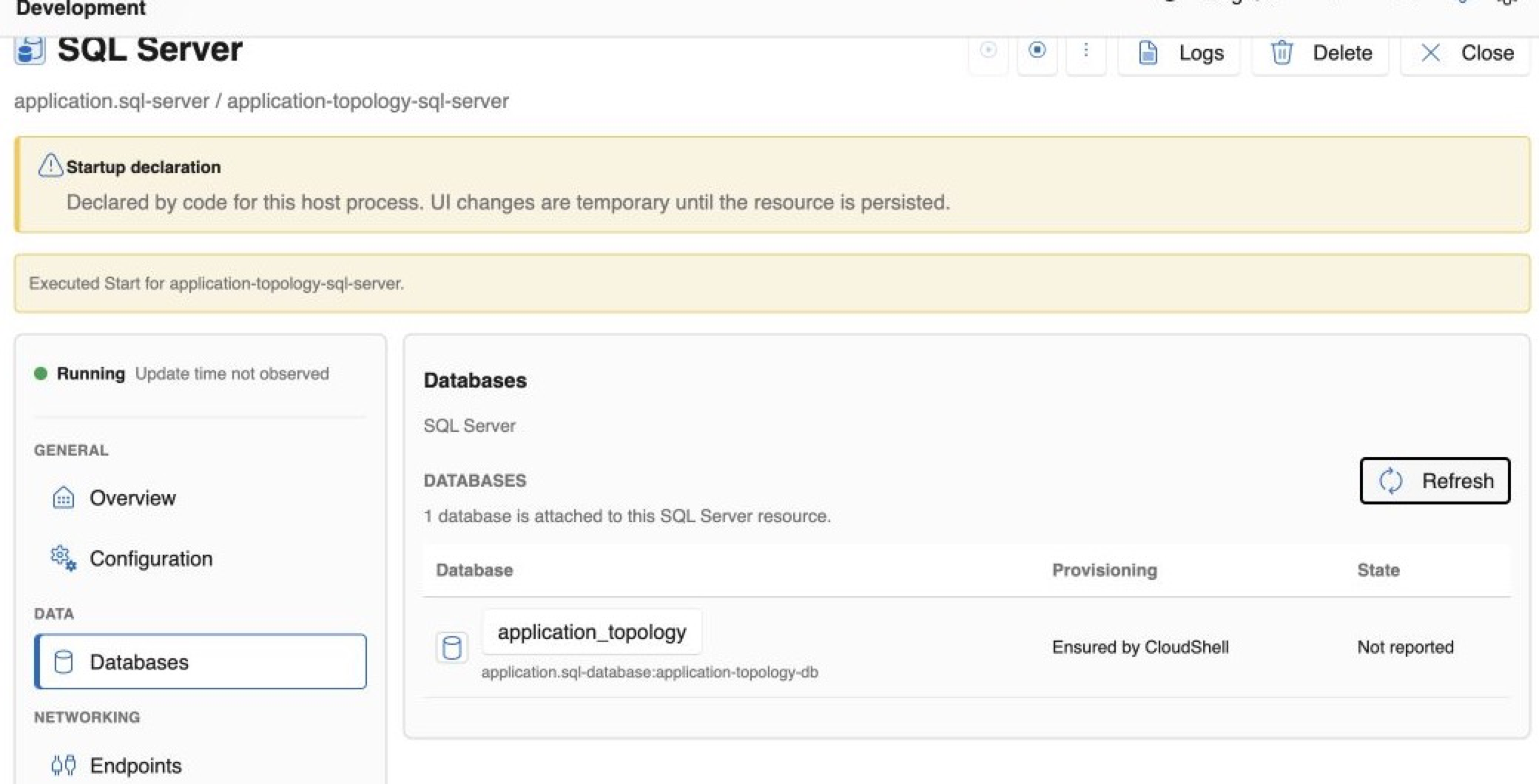
- Database resources. See declared databases, provisioning intent, and current state from the server context.
- Identity and access intent. Relate workload identities to database permissions without placing administrator credentials in the resource graph.
- Connected diagnostics. Move between the server, databases, applications, logs, health, activity, and dependency graph.
Minimal resource template
resources:
  - type: cloudshell.volume
    name: sql-data
    storage:
      volume:
        medium: FileSystem
        accessMode: ReadWriteOnce
        persistent: true

  - type: application.sql-server
    name: sql
    dependsOn:
      - resourceId: cloudshell.volume:sql-data
    version: "2022"
    edition: Developer
    endpoints:
      - name: tds
        protocol: tcp
        targetPort: 1433
        port: 1433
        exposure: Local
    storage:
      volume:
        mounts:
          - volume: cloudshell.volume:sql-data
            targetPath: /var/opt/mssql

  - type: application.sql-database
    name: app-db
    dependsOn:
      - resourceId: application.sql-server:sql
    database:
      name: app
      ensureCreated: true
The volume owns persistence, SQL Server owns the running service, and the database remains independently visible for relationships and access.
Local preview boundary
The current provider uses the SQL Server Linux container image as a runtime detail. The CloudShell resource deliberately presents version, endpoint, storage, databases, access, and diagnostics rather than generic container-app controls. Production database administration, backup, restore, tuning, and the full native SQL surface remain outside this preview experience.